
No products in the cart.
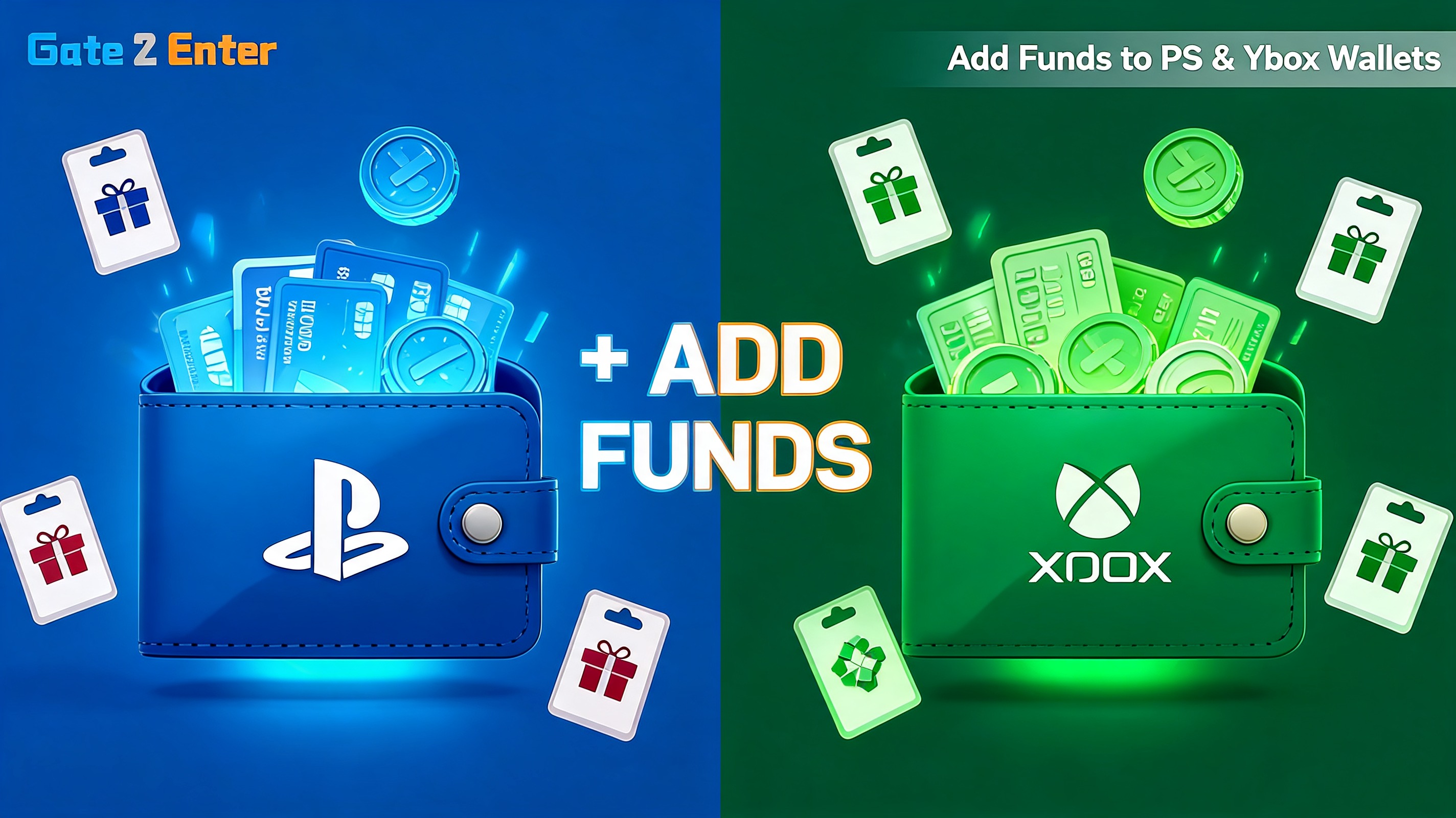
So you’ve decided to pre-order GTA 6 — smart move. But there’s one hurdle a lot of players in Mauritius and the Indian Ocean region hit before they even reach the checkout: funding the purchase. A GTA 6 pre-order PSN card (or its Xbox equivalent) is the cleanest way to add credit to your console wallet without a foreign bank card, currency conversion fees, or declined transactions. This guide walks you through exactly how to do it.
📋 In this article
Why use store credit instead of a card
Pre-ordering a game like GTA 6 means paying $79.99 or $99.99 directly through the PlayStation Store or Microsoft Store. The catch is that many international and locally issued cards get declined on these stores, or get charged extra conversion fees on top of the listed price.
Store credit solves this. When you top up your wallet with a gift card, you pay a fixed amount once, and your console balance covers the pre-order with no surprises at checkout. It’s also the safest option — you never enter card details into the transaction at all.
✅ Fixed price, no conversion surprises
A gift card locks in your cost up front. What you pay is what you pay — no exchange-rate creep added during the console checkout.
Funding a GTA 6 pre-order PSN card on PlayStation
If you’re playing on PS5, here’s how to get your wallet ready so your GTA 6 pre-order PSN card credit is available the moment you hit confirm:
- Order a PlayStation gift card in the value that covers your chosen edition.
- Log in to your Gate2Enter account and open your order dashboard to copy the code.
- On your PS5, go to the PlayStation Store and select Redeem Codes.
- Enter the code — your wallet balance updates instantly.
- Open the GTA 6 store page, pick your edition, and confirm the pre-order.
That’s it. The funds sit in your PSN wallet until you spend them, so you can top up the moment you have your code and pre-order whenever you’re ready. Sony’s official walkthrough for redeeming codes lives on the PlayStation website if you need a visual reference.
💡 Quick tip
Pick a card value at or slightly above the edition price. A small leftover balance is handy for in-game content later, and it saves you from a second top-up mid-checkout.
Funding your pre-order with Xbox credit
Xbox players follow nearly the same path, just through the Microsoft ecosystem. An Xbox Live gift card adds credit to your Microsoft account, which then covers the GTA 6 pre-order on Xbox Series X|S.
- Buy an Xbox Live gift card matching your edition’s price.
- Grab the code from your Gate2Enter order dashboard after purchase.
- On your console, go to the Microsoft Store and choose Redeem.
- Enter the code to load your wallet, then pre-order GTA 6 from the store page.
Microsoft’s redemption guide is available on the official Xbox site. As with PlayStation, make sure your gift card region matches your account region, or the code won’t redeem.
PSN card vs Xbox credit: which should you pick?
The honest answer is: whichever console you actually play on. The pre-order experience is almost identical on both platforms. Here’s a quick side-by-side to make it obvious.
| Step | PlayStation (PSN) | Xbox |
|---|---|---|
| Top-up product | PlayStation gift card | Xbox Live gift card |
| Where to redeem | PlayStation Store | Microsoft Store |
| Wallet used | PSN wallet | Microsoft account balance |
| Region rule | Card must match account country | Card must match account country |
Common GTA 6 pre-order top-up questions
A few questions come up again and again when players fund a pre-order for the first time. Here are quick answers to the ones that matter most.
Can I split a pre-order across two smaller cards? Yes. Redeem each card one at a time and the balances stack in your wallet, so two smaller cards can cover a single edition.
Does leftover wallet credit expire? Wallet balances generally stay available for future purchases, so any spare credit after your pre-order isn’t wasted — it’ll cover in-game content or your next game.
What if my card region doesn’t match my account? The code simply won’t redeem. Always match the gift card region to your console account country before ordering, and you’ll avoid the single most common top-up error.
⚠️ Check your account region first
A wallet set to one country can only redeem gift cards from that same country. Confirm your console account region before ordering so your card redeems cleanly.
Once your code is in hand, the whole top-up takes a couple of minutes. Every gift card from Gate2Enter arrives in your order dashboard right after checkout, so there’s no waiting between buying your credit and securing your GTA 6 pre-order. Fund the wallet, lock the edition, and you’re ready for November 19.
Was this helpful?