
No products in the cart.
How to Find Your Snapchat Username
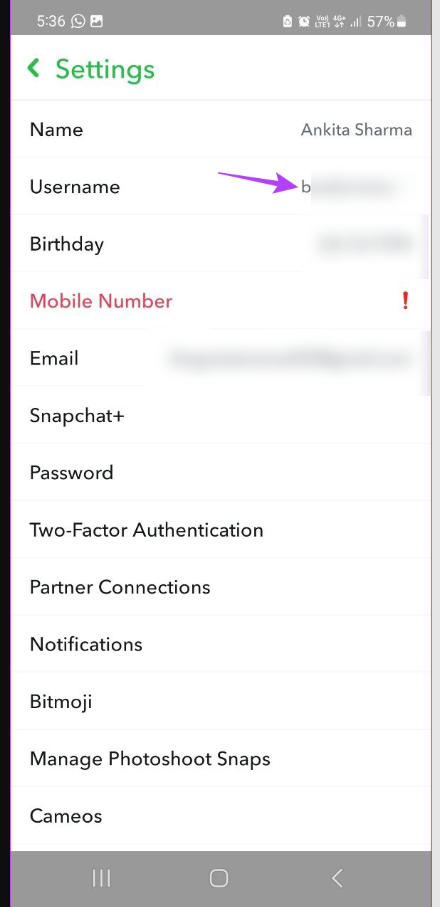
Important:Please enter your username, not your display name. The username is your unique Snapchat account name and is needed to process the order correctly.
- Open Snapchat.
- Tap your profile/avatar icon at the top-left corner.
- Look below your display name.
- Your Snapchat username is usually shown under your name.
- Copy or type the username exactly as shown.
- Enter it in the order form.
Important:
Please enter your username, not your display name. The username is your unique Snapchat account name and is needed to process the order correctly.