
No products in the cart.
How to Redeem an Epic Games Key
A step-by-step guide to activating your Epic Games key and adding the game to your library
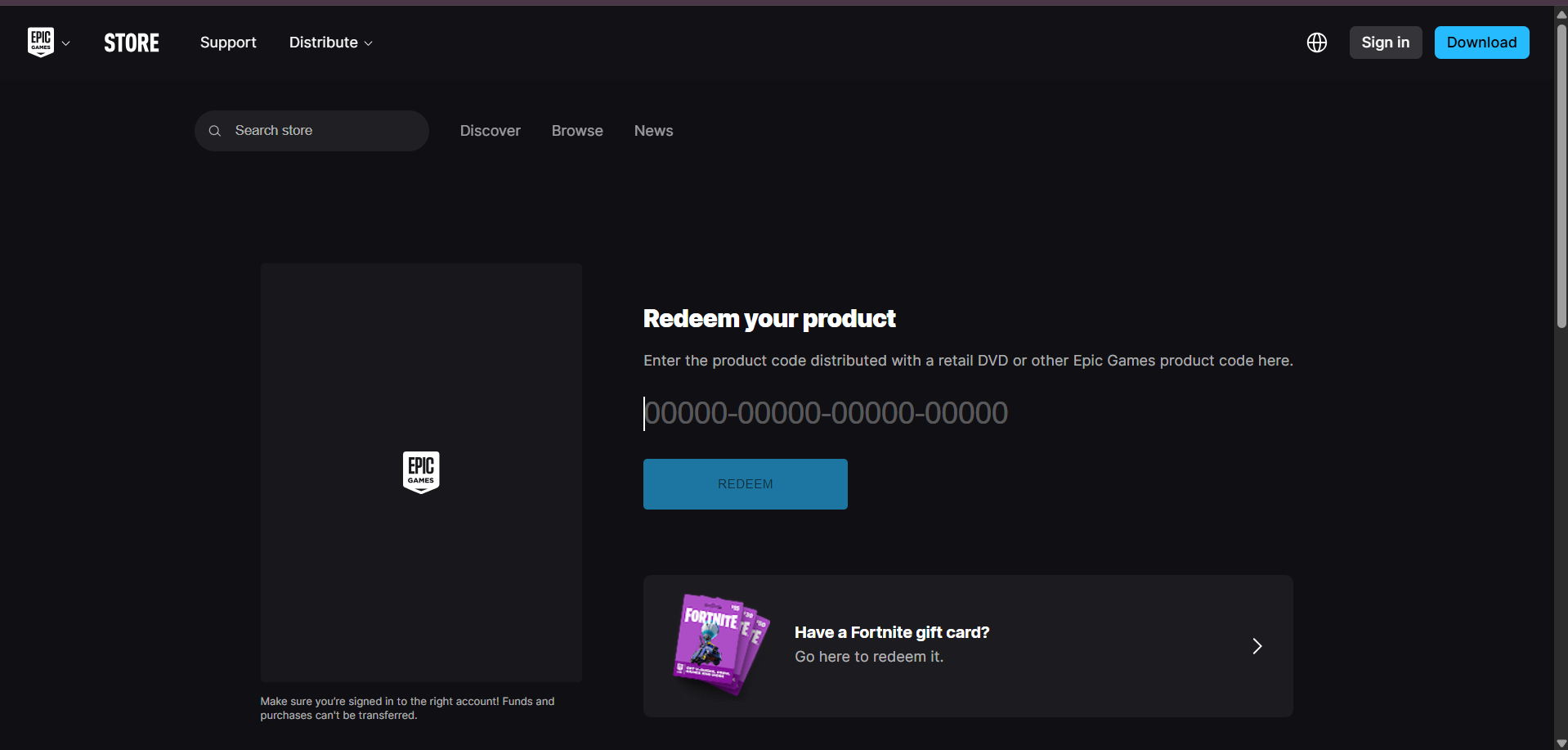
How to redeem your key on the Epic Games website:
- Go to the Epic Games website and sign in to your account.
- Click your account name in the top right corner.
- Select Redeem Code from the dropdown menu.
- Paste your key into the code field.
- Click Redeem to add the game to your library.
How to redeem your key in the Epic Games Launcher:
- Open the Epic Games Launcher and sign in.
- Click your profile icon in the top right corner.
- Select Redeem Code from the menu.
- Paste your key into the code field.
- Click Redeem to add the game to your library.
Once redeemed, the game will appear in your Epic Games library. You can install it from there at any time.