
No products in the cart.
0%
Type
Recharge
Delivery
Approx. 30 Minutes
Region
Global
Up to
2% Off
2% Off
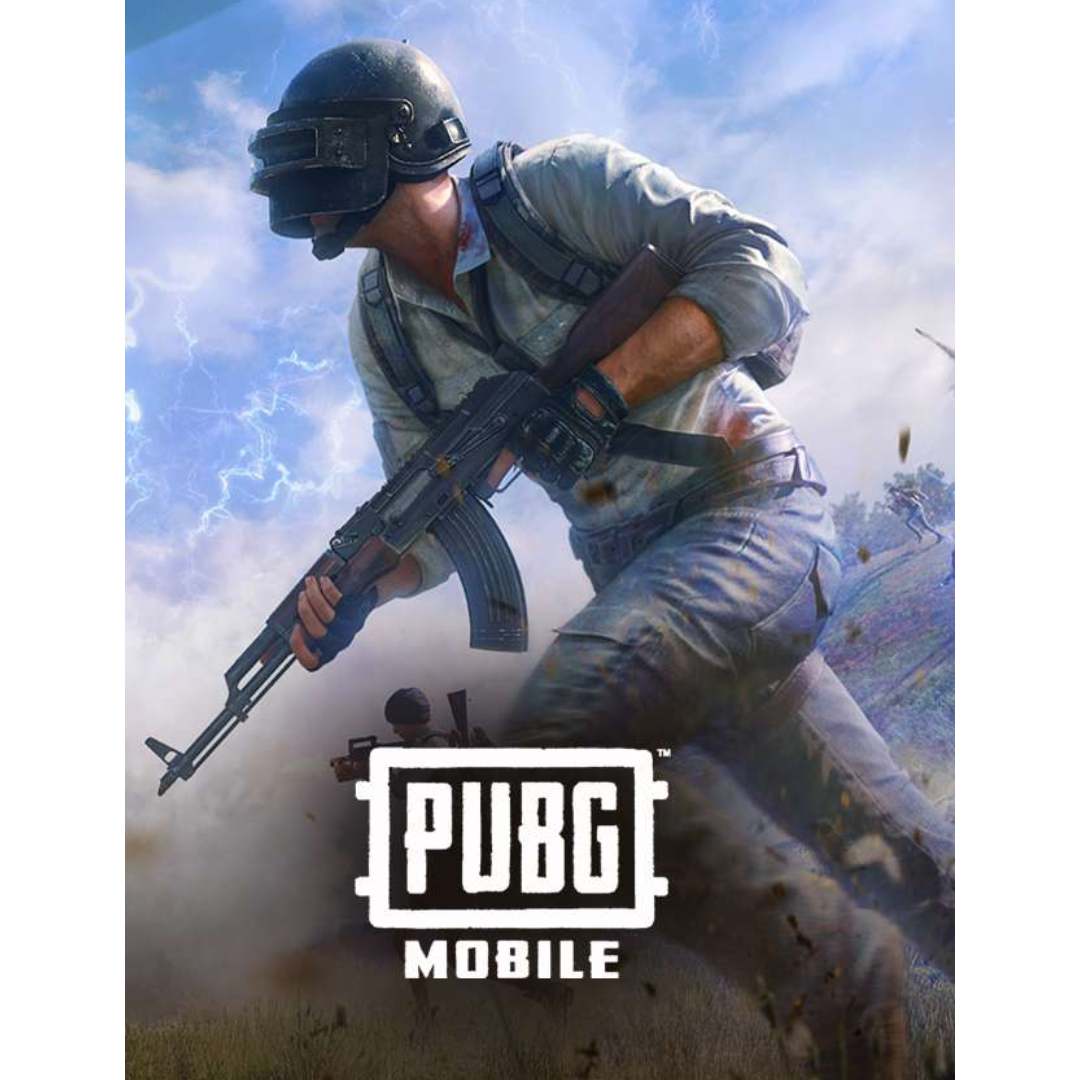
PUBG MOBILE UC Recharge (Global)
In Stock
Payment processing fees may apply
You may also like


PUBG MOBILE UC (Global) – Fast & Secure In-Game Currency Recharge
Overview
Top up your PUBG MOBILE Unknown Cash (UC) instantly and start unlocking premium items, weapon skins, outfits, and the Royale Pass. With our secure and efficient top-up service, your UC is added directly to your account — no redeem codes required.
How to Receive Your Top-Up
Step 1: Open PUBG MOBILE and tap your profile icon in the top-right corner.
Step 2: Locate your Player ID, displayed as a string of numbers below your nickname.
Step 3: Enter your Player ID at checkout when placing your order.
Step 4: Complete your payment — your UC will be delivered to your account shortly after confirmation.
Why Buy PUBG MOBILE UC
-
Instantly access exclusive skins, outfits, and Royale Pass upgrades.
-
No need for redemption codes — UC is credited directly to your game.
-
Quick and secure delivery handled by experienced fulfillment staff.
Important Notice
This service is provided through Gate2enter, an independent digital platform for online gaming and top-up services.
Gate2enter is not affiliated with, endorsed by, or sponsored by Tencent Games or Krafton.
All game titles, logos, and trademarks are used solely for descriptive and compatibility purposes.
By purchasing, you confirm your understanding and acceptance of the top-up process. All player information provided is handled confidentially and used only for recharging your account.
We strongly encourage all users to review our trading safety guidelines before and after purchase to help keep your gaming experience secure.
Order Tracking & Support
Use the Track Your Order page if you checked out as a guest to view your order status.
If you have an account, simply log in to your dashboard to access your order details.
A confirmation email will be sent once your order is delivered.
If we need any additional information to process your order, we’ll reach out — or you can connect with us directly via live chat for faster assistance.
Need help? Contact us anytime at [email protected].
Explore more digital subscriptions and streaming services at:
🌐 https://www.gate2enter.com
How to Find Your PUBG Player ID
Your Player ID is a unique number that identifies your PUBG account. It is not the same as your in-game username or nickname.
How to find your Player ID in PUBG Mobile:
- Open PUBG Mobile on your device.
- Tap your profile picture or avatar in the top left corner of the main screen.
- Your Player ID will appear below your in-game name. It is a string of numbers.
- Copy or note down this number before visiting Gate2Enter to place your order.
How to find your Player ID on PUBG PC:
- Open PUBG on your PC and log in to your account.
- Go to your profile from the main menu.
- Your Player ID will be displayed on your profile page.
Please double-check your Player ID before submitting your order. Entering the wrong ID may result in your top-up being sent to the wrong account.
Additional information
| Type | |
|---|---|
| Select Top-up Amount | 60 UC, 300 + 25 UC, 600 + 60 UC, 1500 + 300 UC, 3000 + 850 UC, 6000 + 2100 UC, 12000 + 4200 UC |
| Delivery Time | Approx. 30 Minutes |
| Region | Global |
1 review for PUBG MOBILE UC Recharge (Global)
1-1 of 1 review
Add a review
You must be logged in to post a review
Log In
Related products
0%
8BP Pool Pass – Premium or Elite (Global)
Select options
This product has multiple variants. The options may be chosen on the product page
Up to
6% Off
6% Off
Valorant Points (VP) Top-Up PC (Global)
Select options
This product has multiple variants. The options may be chosen on the product page
Free Fire Diamonds Recharge (Global)
Select options
This product has multiple variants. The options may be chosen on the product page

Genshin Impact Genesis Crystals Recharge (Global)
Select options
This product has multiple variants. The options may be chosen on the product page
Brawl Stars Gems Recharge (Global)
Select options
This product has multiple variants. The options may be chosen on the product page
Recently Viewed Products
Xbox Live Gift Card (Turkey)
Select options
This product has multiple variants. The options may be chosen on the product page
SALE
0%
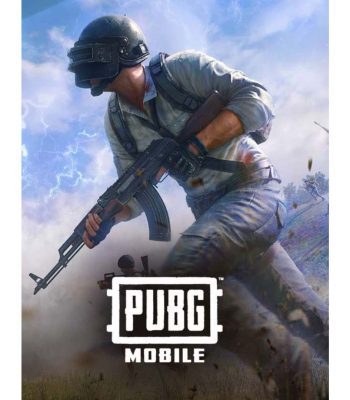
PUBG MOBILE UC Recharge (Global)
Select options
This product has multiple variants. The options may be chosen on the product page
Up to
2% Off
2% Off
Thank you
Yes you are genuine