
No products in the cart.
Type
Gift
Platform
Steam
Region
Global
Delivery
Instant Delivery
G-Care
30 Days
Works on
PC
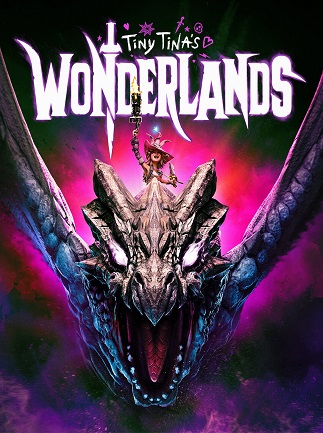
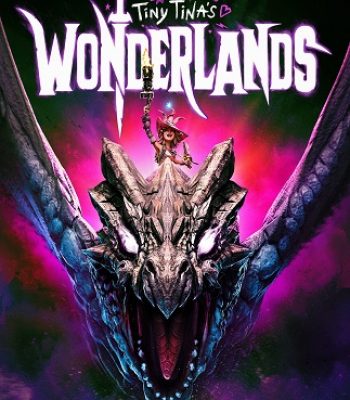
Tiny Tina’s Wonderlands (PC) – Steam Gift – GLOBAL
In Stock
€11,16
In Stock
Payment processing fees may apply
Tiny Tina’s Wonderlands is a fantasy looter shooter developed by Gearbox Software and published by 2K, set within a chaotic tabletop world hosted by Tiny Tina. Players build a multiclass hero and battle outlandish monsters with guns and spells across a vast Overworld, working to stop the tyrannical Dragon Lord. The game supports solo play and online co-op for up to four players total.
Perfect Match with

Overview
Tiny Tina’s Wonderlands is a chaotic fantasy looter shooter from Gearbox Software, set in a tabletop role-playing world conjured by the unpredictable Tiny Tina. You build a multiclass hero and blast, slash, and cast your way through outlandish monsters and loot-filled dungeons on a quest to stop the tyrannical Dragon Lord. It’s a Borderlands spin-off built for fans of fast first-person combat, deep loot systems, and irreverent humor, playable solo or with friends.
What’s included / why buy
- Full access to Tiny Tina’s Wonderlands on Steam for PC, gifted directly to your account worldwide with no regional restrictions.
- A deep multiclass system that lets you mix and match six character skill trees to build your own playstyle.
- A vast Overworld connecting majestic cities, mushroom forests, and foreboding fortresses, packed with random encounters and side quests.
- Frenetic gunplay combined with devastating spells, giving combat a distinct identity within the looter shooter genre.
- Online co-op for up to three friends, with crossplay support across platforms.
- Instant digital delivery of a genuine Steam gift at a lower price than standard retail.
Important information
- This is a Steam gift sent directly to your account and is valid worldwide (GLOBAL region) — no regional restrictions apply.
- This purchase is non-refundable once the gift has been sent.
How to Redeem a Steam Gift Link
A simple guide to claiming your game using a Steam Gift Link, including links sent via Piyxa or GetYourGame
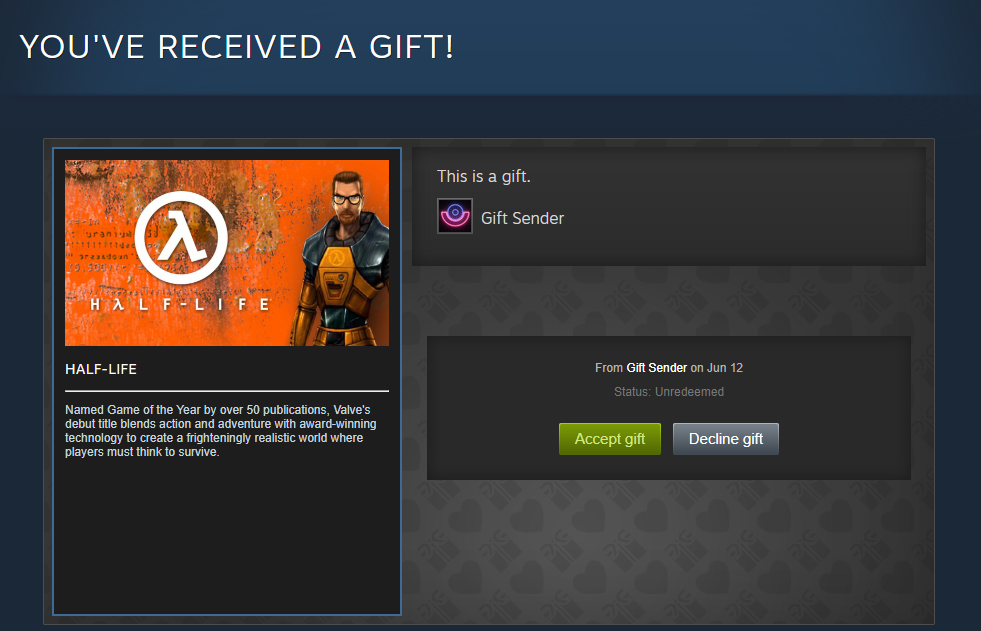
How to activate a Steam Gift via Steam:
- Enter the Steam Gift link into your browser.
- Log into your Steam account.
- Accept the gift by clicking Accept Gift at the bottom of the page.
- Add the game to your Steam Library.
- A message will be displayed confirming the game was successfully redeemed.
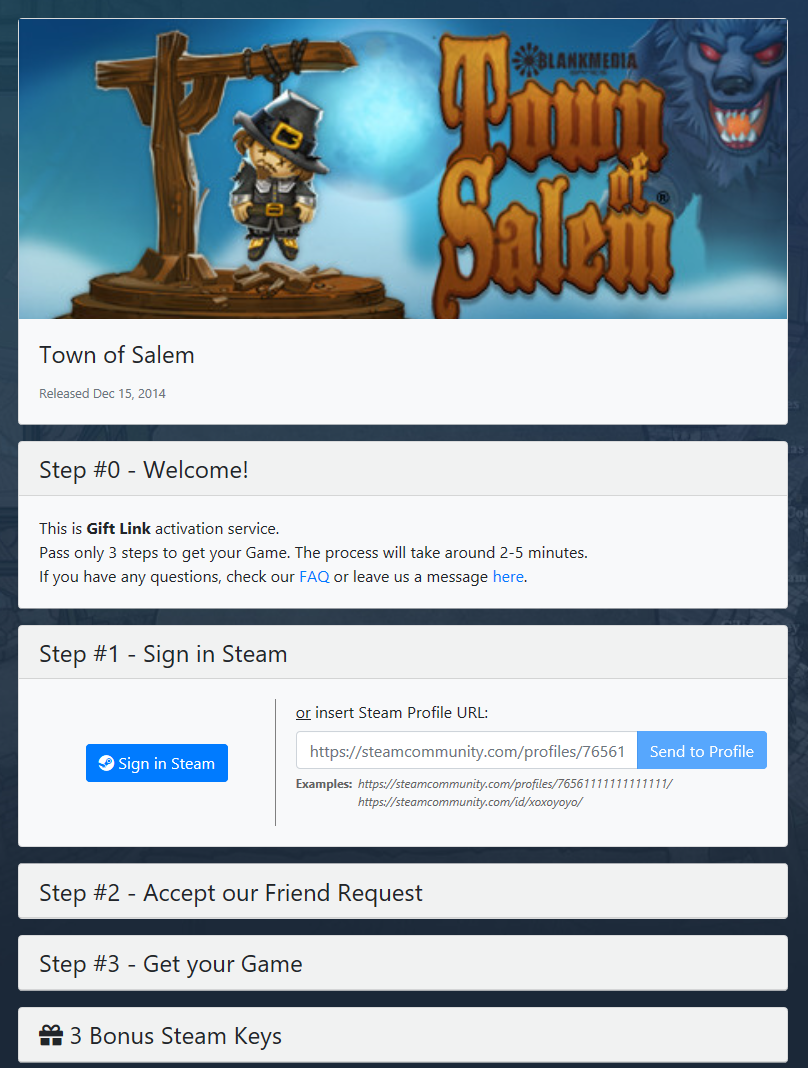
How to activate a Steam Gift via GetYourGame:
- Enter the Steam Gift link into your browser.
- Enter your Profile URL or SteamID into the provided field, or log in via your Steam account.
- Set your Steam store country. This must match the country set in your Steam profile.
- Wait 10 minutes to accept the friend request from the GYG bot.
- Wait for the game to appear as a gift on your Steam account, then accept it.
- A message will be displayed confirming the game was successfully redeemed.
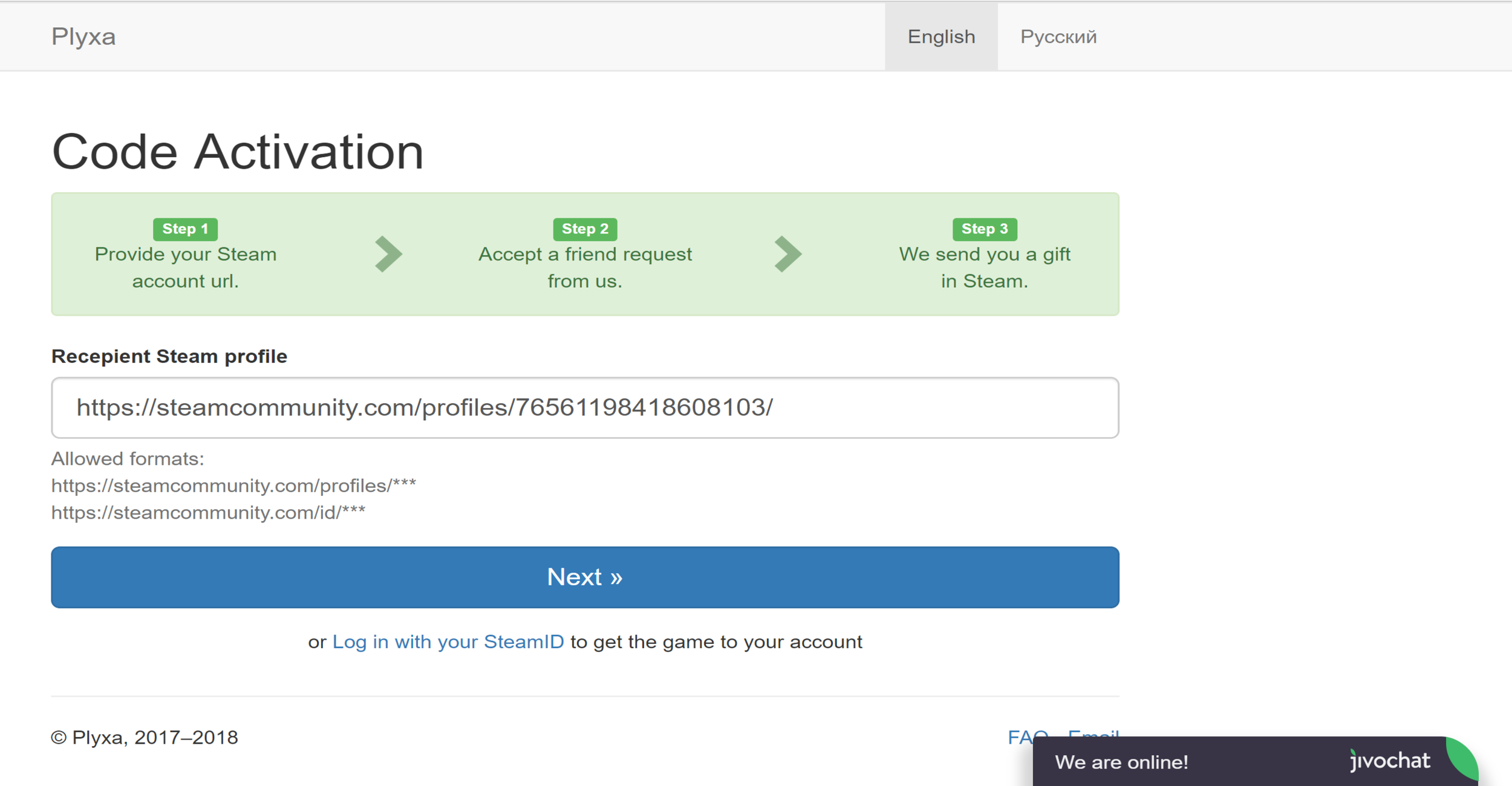
How to activate a Steam Gift via Plyxa:
- Enter the Steam Gift link into your browser.
- Enter your Profile URL or SteamID into the provided field, or log in via your Steam account.
- Set your Steam store country. This must match the country set in your Steam profile.
- Wait 10 minutes to accept the friend request from the Plyxa bot.
- Wait for the game to appear as a gift on your Steam account, then accept it.
- A message will be displayed confirming the game was successfully redeemed.
Additional information
| Type | |
|---|---|
| Platform | Steam |
| Genre | Action |
| Region | Global |
| Delivery Time | Instant Delivery |
| Game Mode | Co-operative, Multiplayer, Single Player |
| G-Care | 30 Days |
| Works On | PC |
Specifications
Developer
Gearbox Software
Publisher
2K
Release date
June 2022
Age rating
ESRB Teen 13+
System Requirements
MINIMUM
OS: Windows 10 64-bit
Processor: AMD FX-8350 or Intel i5-3570
Memory: 6 GB RAM
Graphics: AMD Radeon RX 470 or NVIDIA GeForce GTX 960 4GB
Storage: 75 GB
RECOMMENDED
OS: Windows 10 64-bit
Processor: AMD Ryzen 5 2600 or Intel i7-4770
Memory: 16 GB RAM
Graphics: AMD Radeon RX 590 8GB or NVIDIA GeForce GTX 1060 6GB
Storage: 75 GB
Add a review
You must be logged in to post a review
Log In
Related products

Discord Nitro 2 Server Boost Gift Code – All User (Global)
Select options
This product has multiple variants. The options may be chosen on the product page
SALE


LinkedIn Premium Career – All Users (Global)
Select options
This product has multiple variants. The options may be chosen on the product page
Tinder Platinum – Promotional Code (Global)
Select options
This product has multiple variants. The options may be chosen on the product page
SALE
Recently Viewed Products
42%

Paramount Plus Membership (Europe, Canada, LATAM)
Select options
This product has multiple variants. The options may be chosen on the product page
Up to
56% Off
56% Off
PlayStation Gift Card (USA)
Select options
This product has multiple variants. The options may be chosen on the product page
SALE
64%
Crunchyroll Mega Fan Membership (Global)
Select options
This product has multiple variants. The options may be chosen on the product page
Up to
83% Off
83% Off
SALE
Reviews
There are no reviews yet