
No products in the cart.
Type
Gift
Platform
Steam
Region
Global
Delivery
Instant Delivery
G-Care
30 Days
Works on
PC
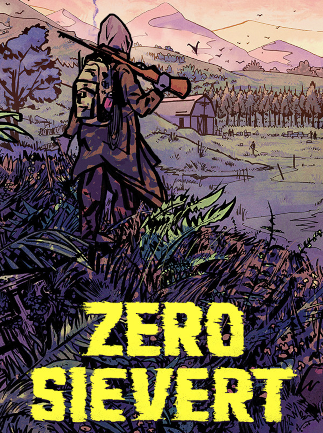
ZERO Sievert (PC) – Steam Gift – GLOBAL
In Stock
€27,35
In Stock
Payment processing fees may apply
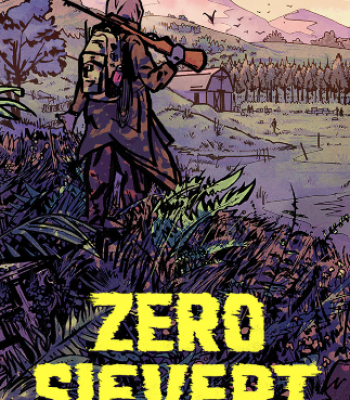
ZERO Sievert is a top-down pixel-art extraction shooter from CABO Studio, set in a post-apocalyptic Eastern European wasteland called Zakov. Players run a solo Hunter from an underground bunker into procedurally generated maps to scavenge loot, fight bandits and mutated wildlife, and extract alive, with deep weapon modding, base upgrades, questlines, and Steam Workshop mod support.
Perfect Match with

Overview
ZERO Sievert is a tense top-down pixel-art extraction shooter from solo developer Luca Carbonera at CABO Studio, set in the radioactive wasteland of post-apocalyptic Eastern Europe. You play a Hunter operating out of an underground bunker, heading into procedurally generated maps to scavenge loot, gun down bandits and mutants, then make it back alive before fatigue, hunger, or a stray round ends the run. Built for solo players who love STALKER’s setting and Tarkov-style risk-versus-reward gunplay, it pairs deep weapon modding and base building with permadeath-adjacent extraction tension in a tight, replayable package.
What’s included / why buy
- Full 1.0 release: a ZERO Sievert Steam key that unlocks the complete game, including the Zakov City endgame zone and the full story.
- Six procedural biomes: Forest, Mall, Makeshift Camp, and beyond — each map generates new loot locations, hiding spots, and layouts every run, so no two extractions play out the same.
- Deep gunsmithing: over 50 unique firearms and more than 150 attachments and mods, with ammo choices that genuinely change penetration, damage, and recoil — praised by PC Gamer as “some of the most sophisticated gunsmithing” in any game.
- Bunker progression: trade with NPCs, upgrade modding stations, build out your base of operations, and follow multiple questlines that gradually unravel the lore of Zakov.
- Steam Workshop: install community mods that add new weapons, factions, NPCs, quests, and languages — or share your own creations with other Hunters.
- Steam Deck verified: the game is officially rated as playable on Steam Deck, ready to take on the go without configuration.
How to Redeem a Steam Gift Link
A simple guide to claiming your game using a Steam Gift Link, including links sent via Piyxa or GetYourGame
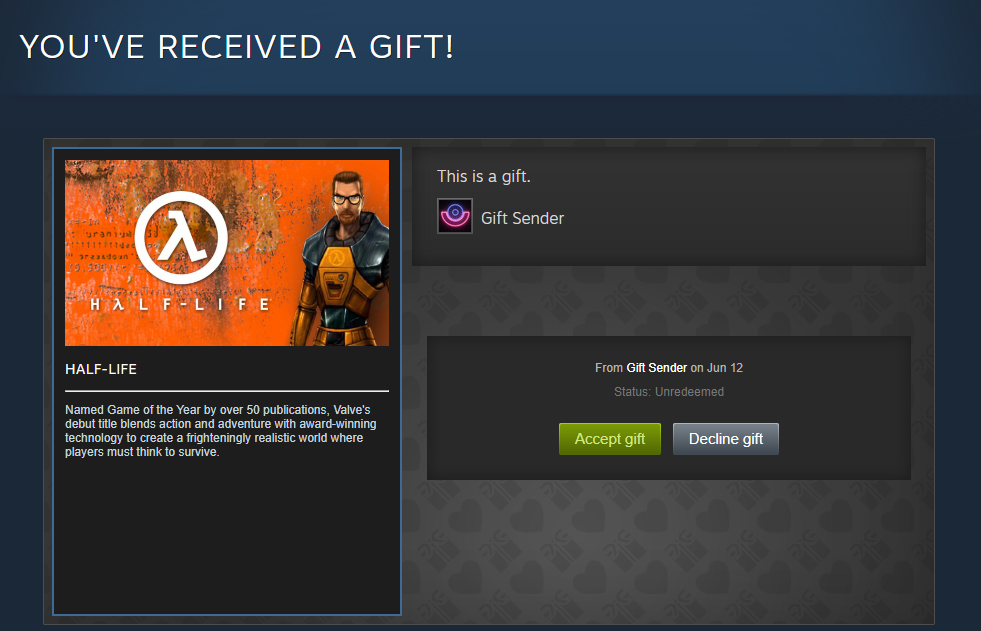
How to activate a Steam Gift via Steam:
- Enter the Steam Gift link into your browser.
- Log into your Steam account.
- Accept the gift by clicking Accept Gift at the bottom of the page.
- Add the game to your Steam Library.
- A message will be displayed confirming the game was successfully redeemed.
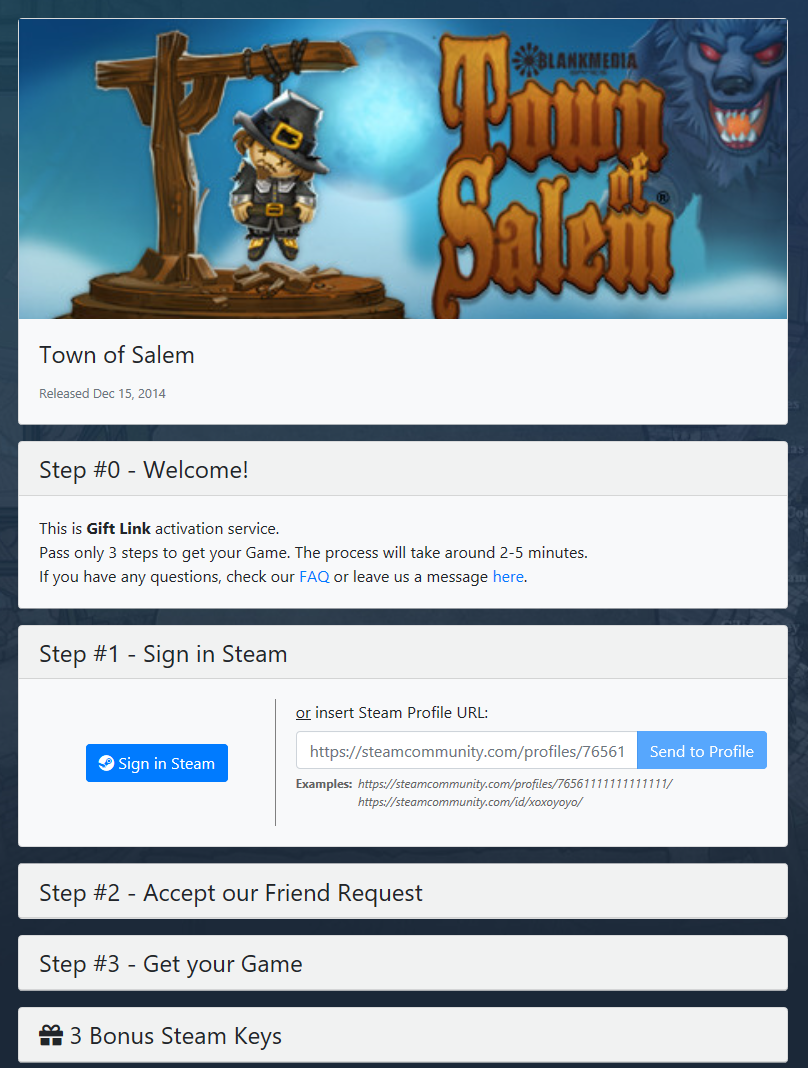
How to activate a Steam Gift via GetYourGame:
- Enter the Steam Gift link into your browser.
- Enter your Profile URL or SteamID into the provided field, or log in via your Steam account.
- Set your Steam store country. This must match the country set in your Steam profile.
- Wait 10 minutes to accept the friend request from the GYG bot.
- Wait for the game to appear as a gift on your Steam account, then accept it.
- A message will be displayed confirming the game was successfully redeemed.
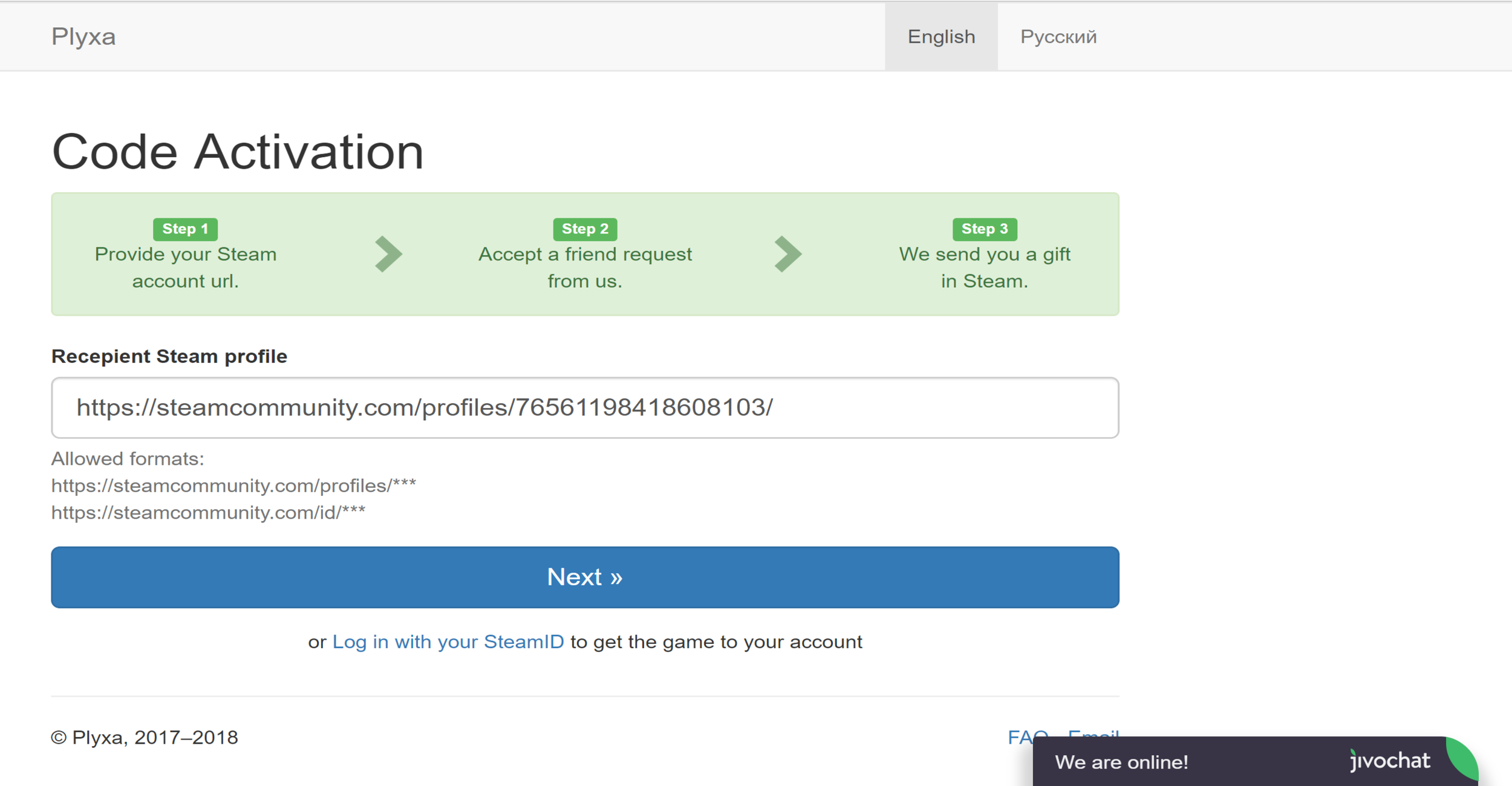
How to activate a Steam Gift via Plyxa:
- Enter the Steam Gift link into your browser.
- Enter your Profile URL or SteamID into the provided field, or log in via your Steam account.
- Set your Steam store country. This must match the country set in your Steam profile.
- Wait 10 minutes to accept the friend request from the Plyxa bot.
- Wait for the game to appear as a gift on your Steam account, then accept it.
- A message will be displayed confirming the game was successfully redeemed.
Additional information
| Type | |
|---|---|
| Platform | Steam |
| Genre | Action, Shooter |
| Region | Global |
| Delivery Time | Instant Delivery |
| Game Mode | Single Player |
| G-Care | 30 Days |
| Works On | PC |
Specifications
Developer
CABO Studio
Publisher
Modern Wolf
Release date
October 2024 (1.0)
Activation
Steam
Features
Steam Workshop · Steam Deck Verified · Partial controller support
Content
Stylised pixel-art violence · Blood splatter · Adult language
System Requirements
MINIMUM
OS: Windows 7 or later
Processor: Intel Core i3 or AMD equivalent
Memory: 4 GB RAM
Graphics: NVIDIA GeForce GTX 660 or AMD Radeon HD 7850
DirectX: Version 11
Storage: 10 GB
RECOMMENDED
OS: Windows 10
Processor: Intel Core i5 or AMD equivalent
Memory: 8 GB RAM
Graphics: NVIDIA GeForce GTX 1060 or AMD Radeon RX 580
DirectX: Version 12
Storage: 20 GB
Add a review
You must be logged in to post a review
Log In
Related products


LinkedIn Premium Career – All Users (Global)
Select options
This product has multiple variants. The options may be chosen on the product page

Tinder Gold – Promotional Code (Global)
Select options
This product has multiple variants. The options may be chosen on the product page


Reviews
There are no reviews yet