
No products in the cart.
Type
Activation Key
Platform
HMA
Region
Global
Delivery
Instant Delivery
G-Care
30 Days
Works on
Android, IOS, MAC, PC
New!
SALE
HMA! Pro VPN (Global)
In Stock
Payment processing fees may apply
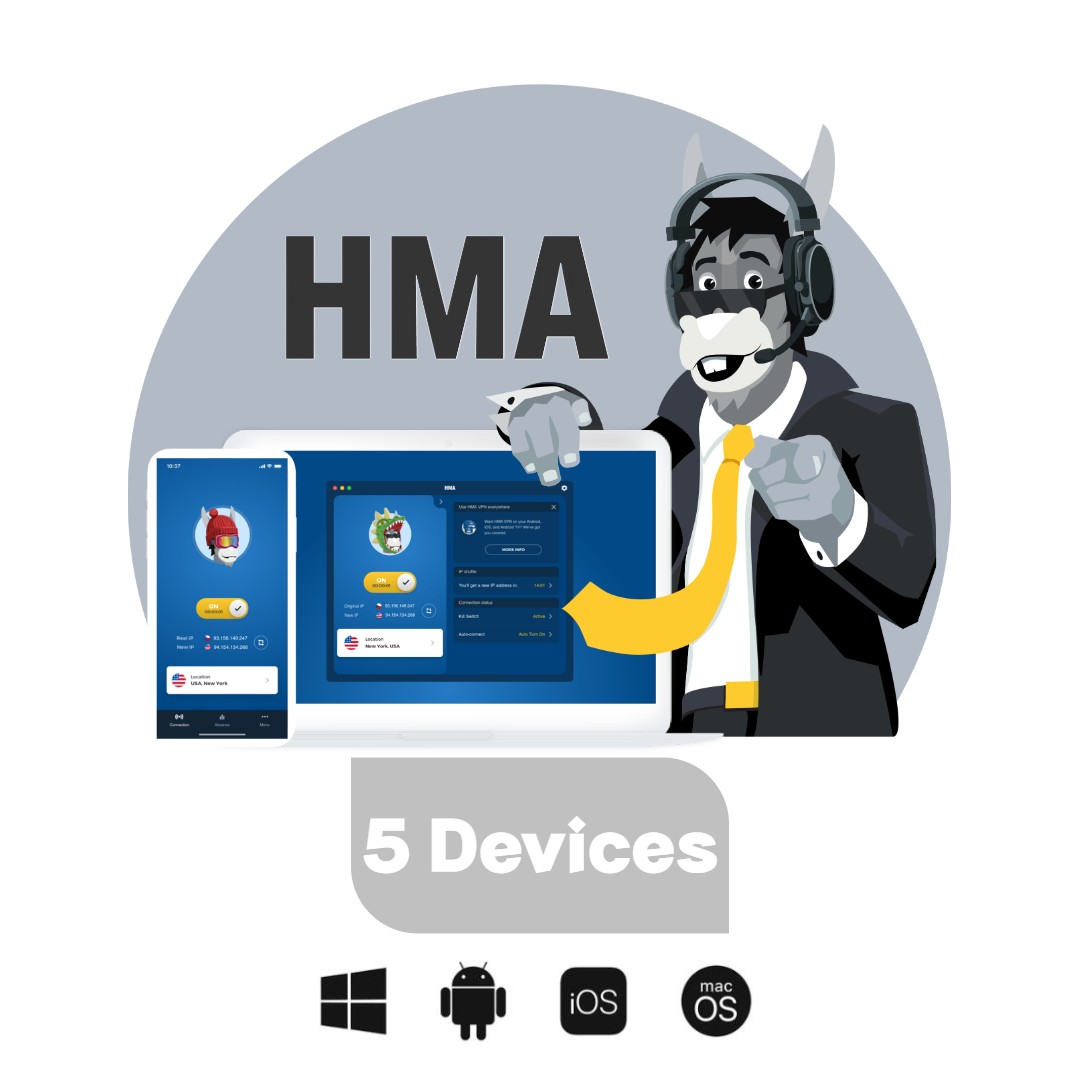
HMA Pro VPN is a subscription VPN service from HMA (HideMyAss), part of Gen Digital. It encrypts your connection, masks your IP address and routes your traffic through servers worldwide, using apps for Windows, macOS, Android, iOS and Linux.

Overview
The HMA Pro VPN key activates a prepaid HMA (HideMyAss) VPN subscription. It encrypts your internet traffic, hides your real IP address, and lets you connect through servers around the world from one app. It suits anyone who wants safer browsing on public Wi-Fi, more privacy from their internet provider, or access to content while travelling, all paid upfront with no monthly billing.
HMA is one of the longest-running consumer VPN brands and is now part of Gen Digital, the group behind Avast, AVG and Norton. The app keeps things simple: open it, pick a location or let HMA choose the fastest server, and connect. Features such as the kill switch, IP shuffle and split tunnelling run in the background. A single HMA Pro VPN key covers your devices across Windows, macOS, Android, iOS and Linux under one subscription.
What’s included / why buy
- Prepaid subscription: full HMA Pro access for the length of the plan, with no recurring card payments.
- Multi-device protection: one HMA Pro VPN key covers multiple devices at the same time across desktop and mobile.
- Global server network: connect through locations worldwide to change your virtual location or find a faster route.
- Privacy features: a kill switch blocks traffic if the VPN drops, IP shuffle rotates your IP address, and a third-party audited no-log policy covers your activity.
- Split tunnelling and Lightning Connect: choose which apps use the VPN, and connect to the fastest available server in one tap.
- Easy setup: download the official app and enter your key. No technical configuration needed. See more privacy tools in our VPN collection.
Important information
- Region: GLOBAL key. It activates in any country through the official HMA apps from hidemyass.com.
- Validity: the subscription runs for the stated term from the moment of activation and does not auto-renew.
- New activation: if you already have an active HMA subscription, the key may not extend it. Check with HMA support before buying if you plan to stack keys.
How to activate HMA Pro VPN
On Windows / macOS
- Download the HMA VPN app from hidemyass.com/download and install it.
- Open the app and choose Enter activation code (or Log in, then the activation code option).
- Paste your key and click Activate.
- Choose a server location and click Connect.
On Android / iOS
- Install HMA VPN from Google Play or the App Store.
- Open the app and tap Already purchased? or the activation code option.
- Enter your key and confirm.
- Allow the VPN configuration when prompted, then tap Connect.
Additional information
| Type | |
|---|---|
| Platform | HMA |
| Duration | 2 Years, 3 Years |
| Region | Global |
| Delivery Time | Instant Delivery |
| G-Care | 30 Days |
| Works On | Android, IOS, MAC, PC |
Add a review
You must be logged in to post a review
Log In
Related products


Up to
75% Off
75% Off
SALE


Coursera Plus Membership – 7,000+ Courses (Global)
Select options
This product has multiple variants. The options may be chosen on the product page
SALE

65%

CyberGhost VPN (7 Devices) (Global)
Select options
This product has multiple variants. The options may be chosen on the product page
Up to
69% Off
69% Off
SALE
Reviews
There are no reviews yet